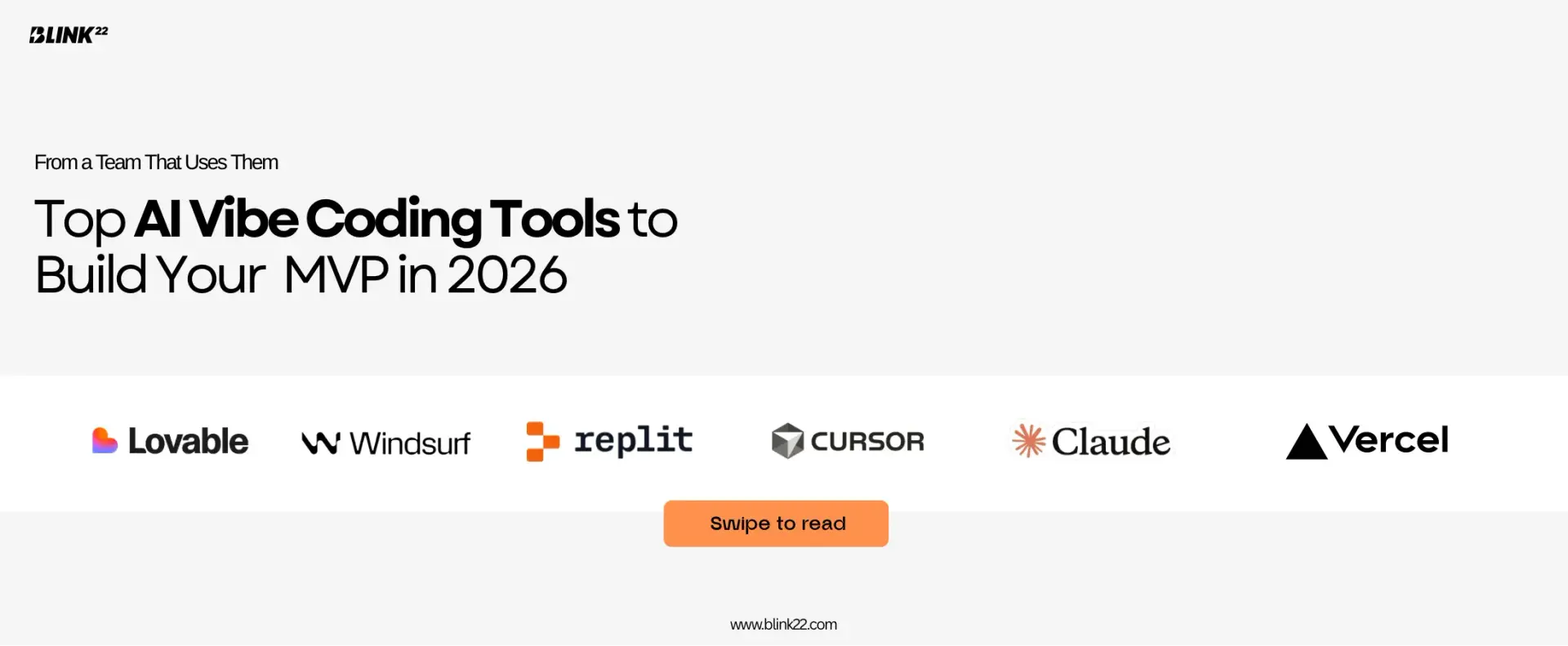
Top AI Vibe Coding Tools to Build Your MVP in 2026 (From a Team That Uses Them)

The way software gets built has changed permanently. What used to take a six-person engineering team three months can now be prototyped in days, and sometimes hours.
At Blink22, we've embedded AI into our development process across client projects, internal tools, and rapid MVPs, and we've had firsthand experience with which vibe coding tools actually deliver and which ones disappoint past the demo stage.
If you're a founder with an idea but no full dev team, or a developer trying to ship faster without technical debt, this guide is for you. We break down the top AI vibe coding tools for building your MVP in 2026, what each one does best, and where each one falls short.
The Two Types of Vibe Coding Tools You Need to Know
Before choosing a tool, understand that vibe coding tools split into two distinct categories:
AI app builders: Platforms like Lovable, Bolt.new, and Replit that generate complete applications from a written description and handle hosting automatically. No coding experience required.
AI coding assistants: Tools like Cursor, Windsurf, and Claude Code that sit inside a development environment and help experienced developers write, debug, and ship code significantly faster.
Both categories are valuable. Which one you need depends entirely on who you are and what stage your product is at.
Top Vibe Coding Tools to Build Your MVP in 2026
1. Lovable
Best for Non-Technical Founders and Rapid Validation
Lovable is built specifically for turning ideas into working full-stack applications through a chat interface. You describe your product, and Lovable generates a React-based frontend, backend logic, authentication, and even Stripe payment integration.
It connects natively with Supabase for databases and supports GitHub two-way code sync, which means when you're ready to scale, you can hand the codebase to a developer without starting from scratch.
Its edge
The learning curve is incredibly small.
You can go from idea to a live, functional MVP with a real domain in a single day. The GitHub sync is particularly important for startups, as it prevents vendor lock-in and keeps your code portable.
You don't need to know much code to get started. This makes it an excellent choice for founders who want to validate ideas before investing heavily in engineering resources.
Where it shines
Speed.
You can go from idea to prototype within hours instead of weeks.
Best use cases
Startup validation
Internal tools
Customer portals
Early SaaS concepts
Potential limitations
As complexity increases, customization can become restrictive and costs can escalate.
At some point, professional engineering intervention becomes necessary.
Not ideal for apps with complex business logic or large-scale infrastructure requirements.
2. Cursor
Best for Professional Developers Who Want to Move 10x Faster
Cursor has quickly become one of the most popular AI-first development environments.
Rather than being a simple chatbot attached to your editor, Cursor deeply understands your codebase and can modify multiple files simultaneously.
It runs on powerful models, including Claude and GPT variants, and supports deep multi-file editing, codebase-wide refactoring, and an agent mode that can build entire features autonomously across your repository.
At Blink22, Cursor is one of the tools our development team reaches for most consistently. It doesn't replace coding knowledge; it amplifies it. For developers already experienced in frontend or backend work, Cursor compresses timelines dramatically without generating the kind of untraceable, tangled code that full no-code platforms sometimes produce.
Its edge
Cursor feels like working alongside a senior developer rather than asking a chatbot random questions.
It excels at:
Understanding large repositories
Refactoring existing code
Writing complex features
Explaining unfamiliar code
Maintaining architecture consistency
Where it shines
If your MVP is likely to evolve into a long-term product, Cursor is one of the safest bets.
Best use cases
SaaS products
Complex web applications
Existing codebases
Startup products expected to scale
Teams working on complex or multi-file codebases
Potential limitations
Non-technical founders may find it overwhelming because it still assumes some engineering knowledge.
Agent mode can introduce hidden bugs when editing across many files. Always review generated output before committing.
3. Bolt.new
Best for Fast Browser-Based Prototyping
Bolt.new, powered by StackBlitz's WebContainers technology, converts natural-language prompts into full-stack prototypes entirely inside the browser. It generates React frontends, Node.js backends, database schemas, and API endpoints with no local installation required.
For teams that need to validate a feature or demonstrate a concept to stakeholders quickly, Bolt.new removes all setup friction.
Its edge
The biggest edge here is zero-configuration speed. You open a browser tab, describe your app, and iterate within minutes. It's one of the most frictionless vibe-coding experiences available for initial builds.
Where it shines
Quick prototypes, hackathons, product demos, developers who want browser-first development with full-stack output.
It's ideal when speed matters more than perfection.
Best use cases
Startup demos
Investor presentations
Early product experiments
Internal dashboards
Potential limitations
Generated architecture may need significant refactoring before a senior engineer would sign off on it for live users.
4. Claude Code
Best for Developers Who Want Agentic, Deep-Context AI
Claude Code is Anthropic's terminal-based AI coding agent, and it operates differently from most tools on this list.
Rather than generating an app from scratch, Claude Code connects to your existing codebase via the command line, reads your file structure, understands context across your entire repository, shows you its reasoning before acting, and executes multi-file edits with your approval.
This level of transparency and codebase awareness makes it stand out for complex or legacy projects where context matters enormously. You can give it a high-level instruction like "Refactor the authentication module to use JWT tokens and add refresh logic," and it handles the full execution intelligently.
It’s also one of the best coding assistants we use in Blink22.
Its edge
Claude excels at reasoning.
Instead of simply generating code, it helps developers understand why a particular solution is the best fit. This makes it especially valuable when planning new features, refactoring legacy systems, or reviewing architectural decisions.
Its ability to process large amounts of code at once also makes it ideal for working on enterprise applications and mature products.
Where it shines
Claude is particularly useful during the planning and problem-solving stages of development. Whether you're brainstorming system architecture, debugging difficult issues, or reviewing code for quality and maintainability, Claude acts like an experienced engineering partner.
Many development teams also use it to generate technical documentation, write API specifications, and explain complex code to new team members.
Best use cases
Software architecture and system design
Code reviews and debugging
Refactoring legacy applications
Technical documentation
API design
Learning unfamiliar frameworks or codebases
Potential limitations
Claude isn't a complete development environment like Cursor or Windsurf, nor is it a no-code app builder like Lovable or Bolt.new. It works best alongside other AI coding tools, serving as a strategic assistant for planning, reasoning, and solving complex engineering challenges.
It requires comfort with the command line, Git, and software architecture, so it’s not suitable for non-technical users.
5. Replit
Best All-in-One Platform for Beginners and Rapid Deployment
Replit evolved from an educational platform into a powerful AI development environment. It combines an AI coding assistant with a full cloud development environment and built-in hosting.
Its AI agent can plan and build entire applications autonomously, while Replit handles the infrastructure, deployment, and collaboration tools all in one place. You never have to leave the browser or configure a server.
Its edge
Everything lives in one place.
You can build, test, collaborate, and deploy without leaving the platform.
Where it shines
For early founders who want to see their idea live without touching infrastructure, Replit delivers end-to-end convenience. It's also genuinely good for collaborative projects or prototyping where multiple team members need access to the same environment.
Best use cases
Startup teams
Educational products
Prototypes
Collaborative projects
Potential limitations
You get less control over infrastructure than a traditional setup.
Performance can bottleneck on resource-intensive applications.
Platform dependency is a real consideration for long-term projects.
6. Vercel v0
Best for UI-Focused Frontends and Landing Pages
Vercel v0 has become a favorite among product teams for its beautiful interfaces.
It now produces designer-grade React components with a focus on security and code quality, making it one of the few vibe coding tools that meaningfully closes the gap between prototype and production for frontend work.
Its Design Mode visual editor allows direct manipulation of components, and it integrates naturally with the broader Vercel deployment ecosystem.
If your MVP needs a polished, production-ready landing page, a dashboard, or a marketing site, v0 is the most precise tool for that specific job.
Its edge
Design quality.
Many AI tools can build functionality, but few consistently produce interfaces that actually look polished.
Where it shines
Instead of spending days creating dashboards, landing pages, and onboarding flows, teams can generate them almost instantly with v0.
Best use cases
SaaS dashboards
Landing pages
Admin panels
Customer-facing interfaces
Potential limitations
Think of it as an elite front-end specialist. For full-stack functionality, you'll need to pair it with a backend solution.
7. Windsurf
Developers seeking an affordable AI coding companion
Windsurf, developed by Codeium, markets itself as the first agentic IDE and targets developers who want the benefits of an AI-first development environment.
Its AI agent can understand entire projects and execute multi-step tasks. It offers deep codebase context, multi-file editing, and strong agent capabilities that can manage large workflows autonomously.
Its edge
Where Windsurf differentiates itself is in how its agent maintains context across long, complex tasks. It doesn't lose track of what you're building mid-session the way some AI tools do on larger projects.
Developers spend less time switching between tabs and more time building.
Where it shines
Mid-sized projects where context awareness matters.
Best use cases
Startups with small engineering teams
Existing applications
Feature expansion projects
Potential limitations
It still requires technical oversight for production environments.
Some advanced features require premium plans.
A Word from Experience: What Vibe Coding Won't Do for You
At Blink22, we use these tools every day, and we'll be direct: vibe coding is phenomenal for getting an MVP from 0 to 80% in record time. The final 20% (edge cases, security hardening, scalable architecture, and proper error handling) still requires experienced engineering judgment.
AI-generated code can carry security vulnerabilities and weak foundations that won't surface until you're under real user load or handling real payment data. Our team can review and harden your AI-generated MVP before it goes live. Talk to us here.
Treat AI output as an accelerant, not a finished product. The best results come from pairing vibe coding speed with human review before shipping to real users.
FAQs
What is vibe coding?
Vibe coding is a software development approach where you use natural language prompts to describe what you want to build, and an AI tool generates the code, structure, and logic automatically. The term was coined by Andrej Karpathy in 2025 and has become a mainstream method for rapid product development.
Can I build a real product with Vibe Coding tools?
Yes, Vibe coding tools are excellent for getting an MVP to a functional state quickly. However, before launching to real users, especially with authentication, payments, or sensitive data, the code should be reviewed by an experienced developer for security gaps and architectural issues.
Which vibe coding tool is best for non-developers?
Lovable is widely considered the strongest option for non-technical founders. It provides the lowest barrier to entry, handles full-stack generation, and includes built-in deployment, payment integration, and GitHub sync. Replit is another strong option for beginners who want everything managed in one place.
Will vibe coding tools replace developers?
No. Vibe coding tools make developers significantly faster, but they don't replace the judgment, security awareness, and architectural thinking that experienced engineers bring. In fact, demand is growing for developers who can review, fix, and scale applications that were initially built with AI tools.
How much do vibe coding tools cost?
Most tools offer free tiers for exploration. Paid plans typically range from $10 to $50 per month for individual use. GitHub Copilot starts at $10/month, Lovable at $25/month, and Claude Code is usage-based at approximately $5–$50/month, depending on volume. Enterprise and team plans vary by platform.
What is the best vibe coding stack for a startup MVP in 2026?
If you have a developer on your team, a strong combination is Claude Code or Cursor for backend logic, Lovable or Bolt.new for frontend scaffolding, and Vercel v0 for polished UI components. If you have no developer, Lovable alone provides the most complete path from idea to live product.